Link Subscriptions in one click
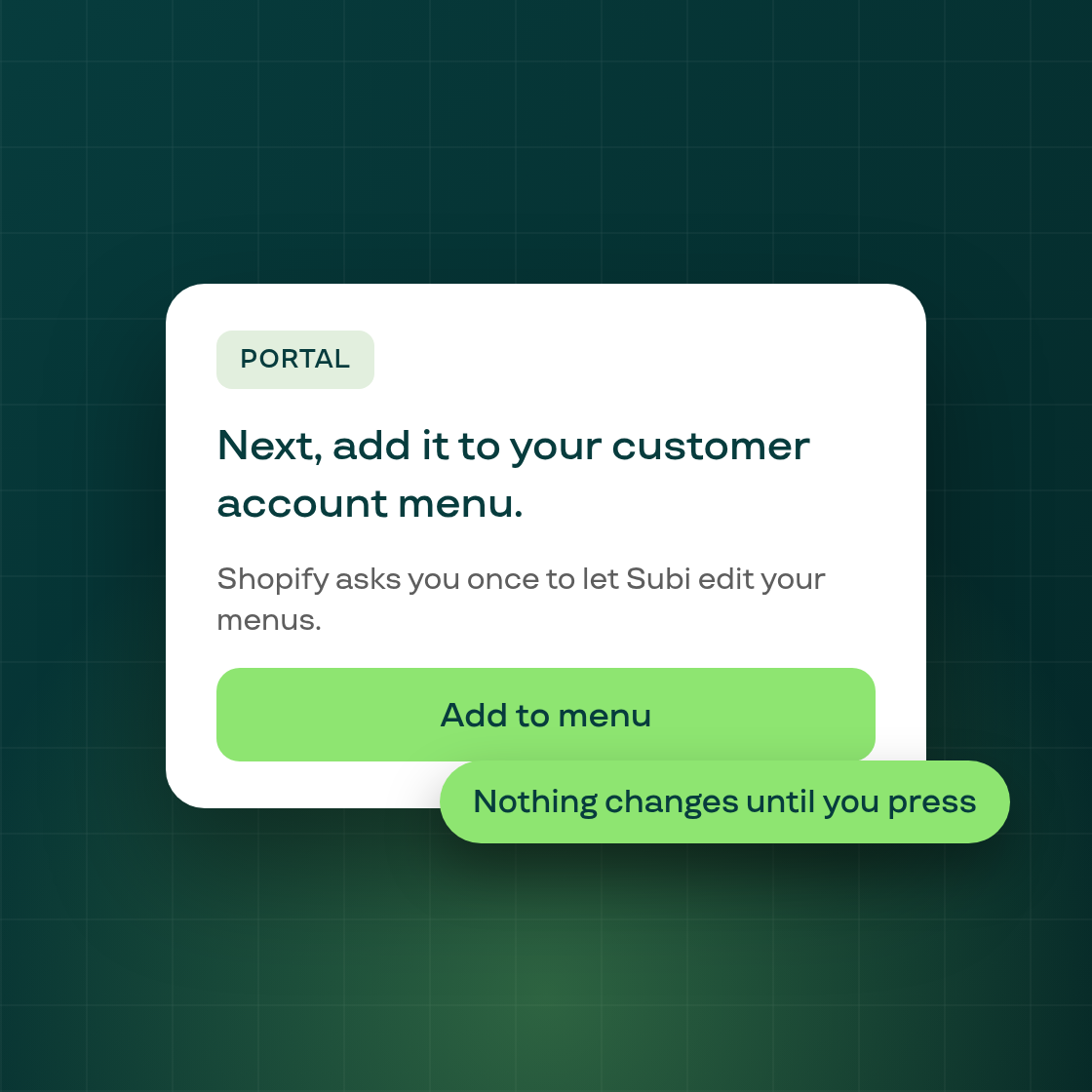
Customers can only pause or cancel from their account if your Subscriptions page is linked in the customer account menu. You can now add that link yourself from the portal tile, without building the menu entry by hand.
What the tile tells you. Once the Subscriptions page is added, the tile shows where the link stands: Added, not linked yet, linked only in another menu, waiting for a permission, or a failed add you can retry.
Add to menu. Press "Add to menu" and, if Shopify has not asked before, it shows its one-time permission prompt. After you approve it, Subi adds the item and the tile updates without a reload. If you decline, the tile stays as it was and nothing is added.
No duplicates. If you already linked the page by hand, Subi checks again before adding, so the same page is not added twice.
Nothing changes until you press. No shop is touched until its merchant presses Add to menu and approves the permission.
Follow Subi on LinkedIn for what we ship next.