Save problems, fixed on the page
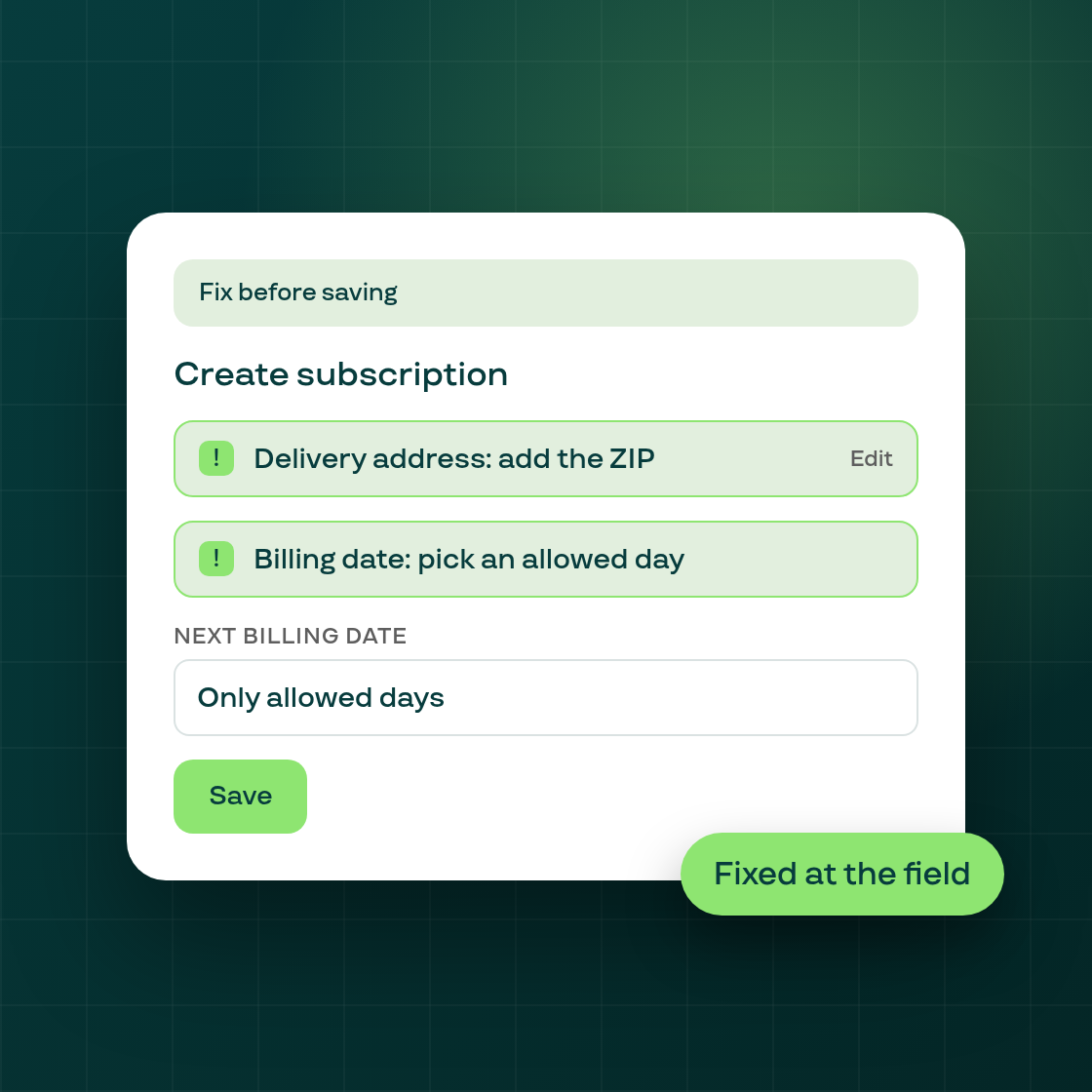
When Save is refused on Create subscription, you now see which field is the problem and can fix it without leaving the page. Before, a refusal over the date, the address or a missing card showed as a message that named no field.
Problems listed at their fields. A banner lists each problem and links to the field involved, which shows its own error too. A refused card's error clears once you choose another card.
Billing dates that follow the plan. The date field offers only the plan's allowed billing days, and the charge-now switch fills in a default next date. The card shows both payments, for example "Today, November 3" and "December 1, then the 1st of each month". A subscription charged at Save now renews on the date you picked.
Fix an incomplete address in one step. If a saved address is missing a part such as the ZIP, the card shows what is missing and a single Edit opens the address list. From there you can pick, edit or add an address.
The card-link email is a choice. Instead of a window before Save, you choose with radio buttons, and "Save and email" sends the email after the subscription is created.
Change the plan in the row. A select beside the quantity lets you switch the plan on a line you already added.
This applies to subscriptions you create from now on. Existing subscriptions are not changed.
Follow Subi on LinkedIn for what we ship next.