Resume the ready ones.
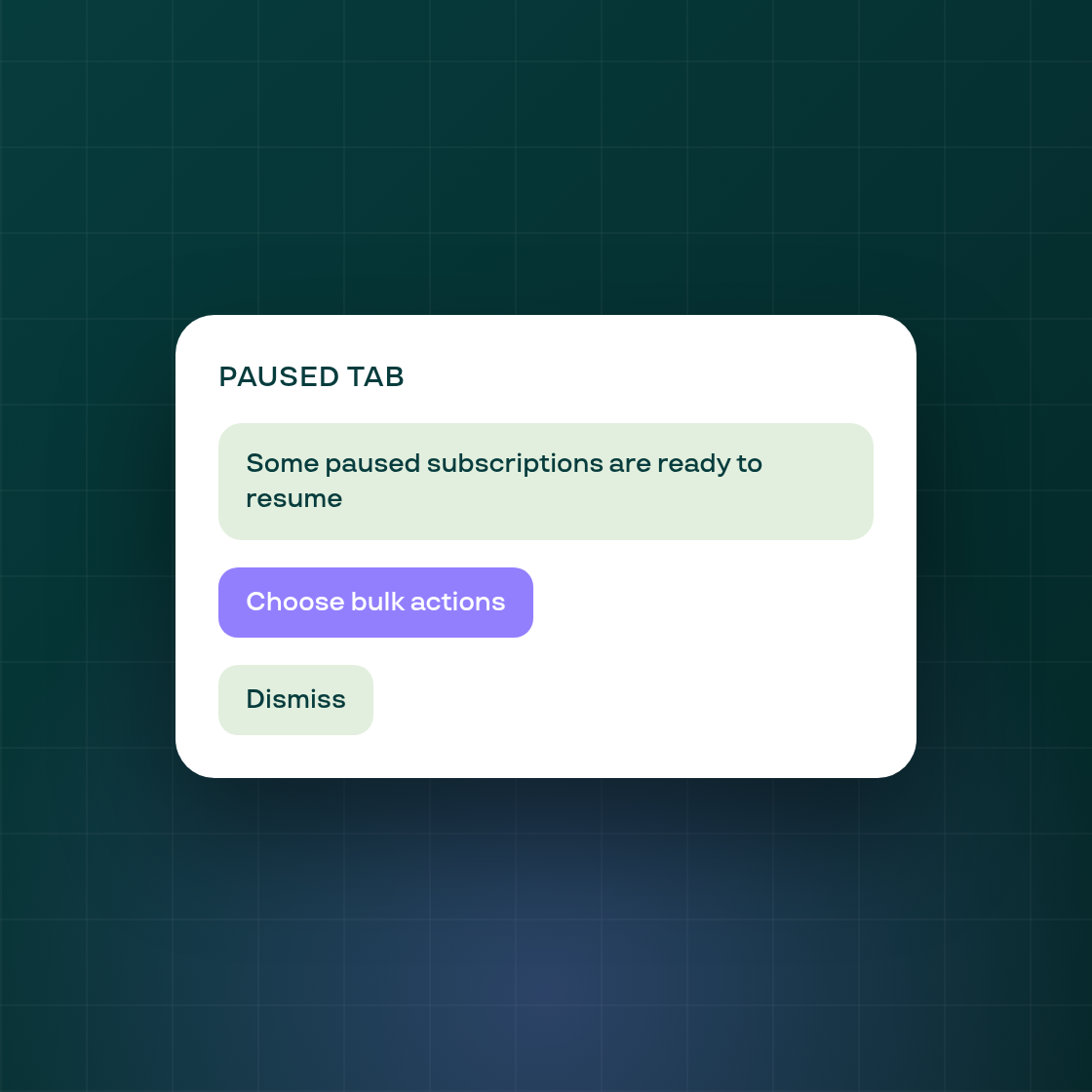
If you paused many subscriptions in bulk, Subi now tells you which ones are ready to resume, grouped by the bulk action that paused them.
Open the Paused tab on the Subscriptions page. A banner reads "Some paused subscriptions are ready to resume" and appears ahead of the failed-payment banner. Choose bulk actions opens a list of your bulk actions that have ready subscriptions, newest first, each showing how many are ready and how many are paused in total. Tick the ones you want and press "Review N subscriptions".
The list then narrows to just those ready subscriptions. The banner offers "Resume these N", which opens Update status on that filtered list with the status already set to Active.
You stay in control of the resume itself:
- Nothing resumes on its own. Pressing Apply in Update status is what runs it, exactly as Update status works today.
- Nothing changes in your data until then. The banner, the modal and the narrowed list only display information and pre-fill the form.
Bulk action dates use your browser's time zone, the same as the Bulk actions logs, because the admin panel has no shop time zone.
Follow Subi on LinkedIn for what we ship next.