Restart paused subscriptions.
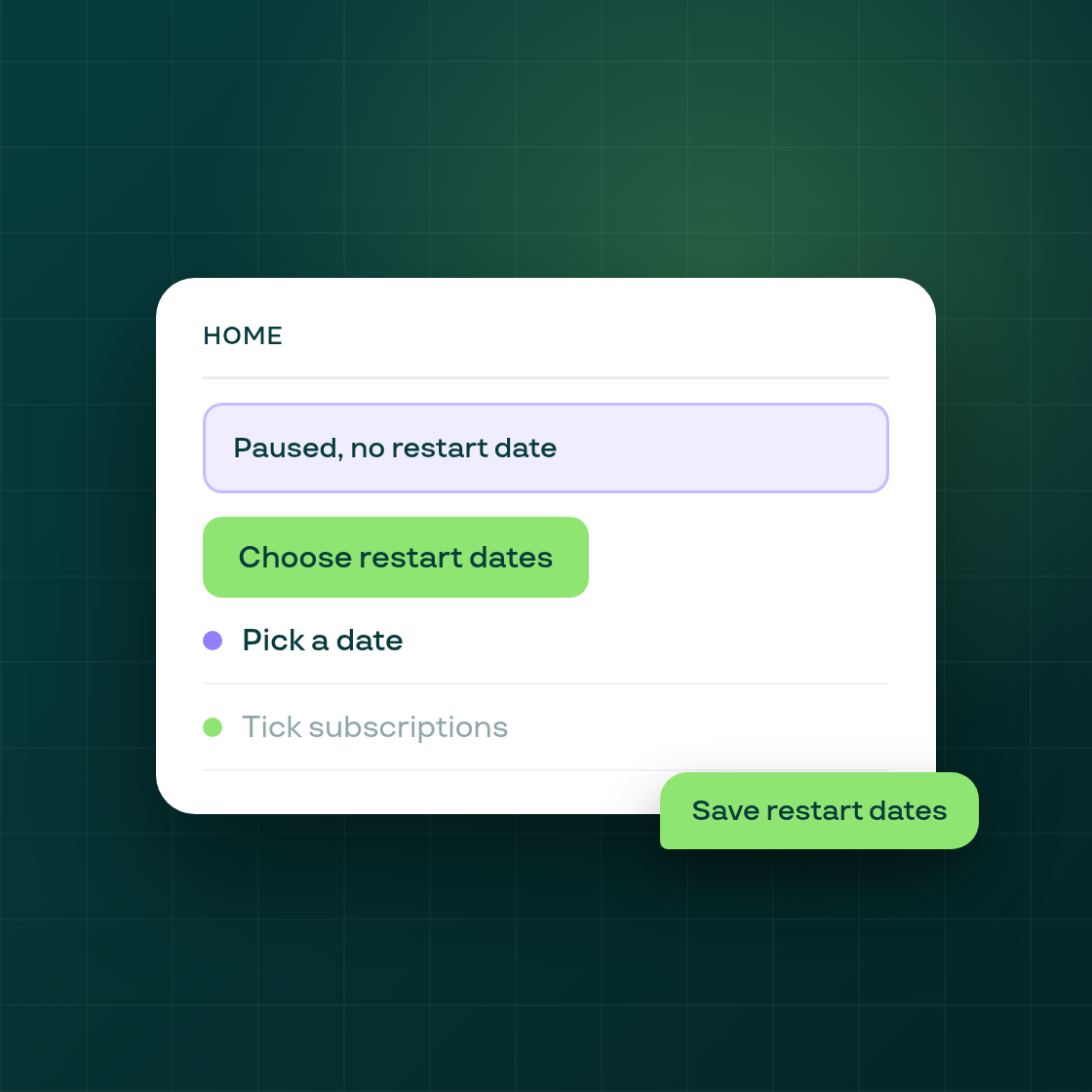
You can now give paused subscriptions a restart date from Home, instead of pressing Resume on each one and restarting it at once.
At shops where restart dates run, which needs the customer reminder email switched on, Home shows a card under the setup guide that reads "N paused subscriptions have no restart date", with their monthly value and a "Choose restart dates" button. You can hide the card for 30 days.
The button opens a "Restart paused subscriptions" window:
- Pick a restart date. Dates before the earliest allowed one are greyed out.
- Tick the subscriptions to restart. Nothing is ticked at first, and the list is sorted by monthly value. The window shows the ticked total.
- Save.
Nothing changes on any subscription until you tick it and save a date. After a save, the subscription follows the restart-date schedule: a reminder email goes to the customer 5 days before the date (with links to move the order a month later or to cancel), the subscription resumes 2 days before, and its order is placed on the date you chose. One save can date up to 5,000 subscriptions, and all of them charge on the chosen date.
If the reminder email is switched off after you save, the subscription does not resume on that date and returns to the Home card. The contract history records a resume as automatic, ahead of the restart date set on Home.
Why it matters: merchants asked for a way to restart paused subscriptions on a date rather than resuming each one at once, and this does it from Home in one save.
Follow Subi on LinkedIn for what we ship next.