Remind members of rewards.
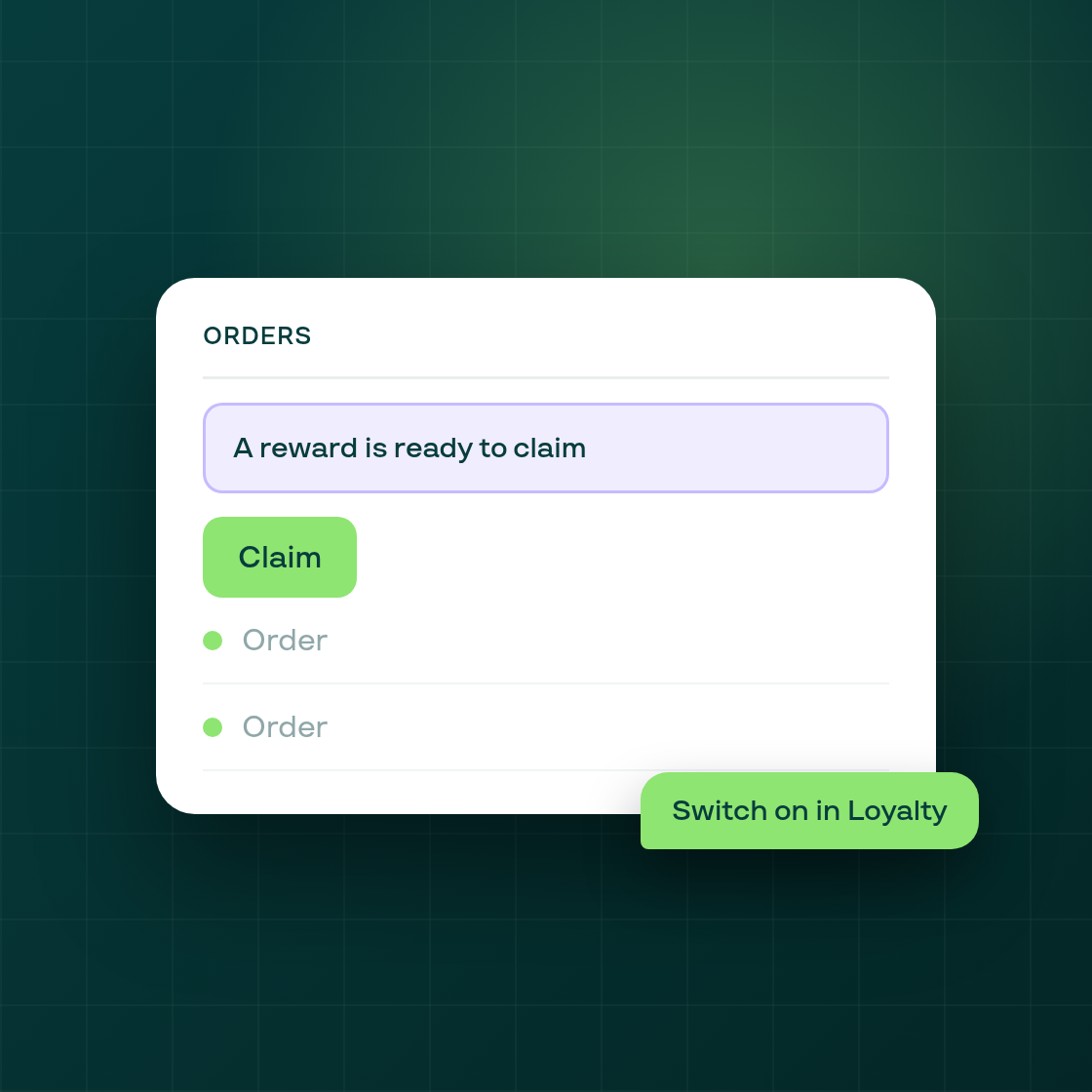
Loyalty members can now be reminded of a reward they can already afford, right where they look at their orders. When the reminder is on and placed, a member whose points cover a reward sees a Claim line at the top of the Orders page and the order page in their customer account.
The reminder is off for every program until you turn it on. You will find the switch in Loyalty > Settings > Widgets, as a second switch next to the one for the product-page banner.
Once it is on, two buttons in the same section open Shopify's editor on the Orders page and on the order page. That is where you place the reminder, so you decide where it appears.
Why it matters: members whose balance already covers a reward often never claim it, because nothing tells them where to look. The reminder puts the Claim line on pages members already visit. It runs only at shops that have switched it on.
How to turn it on:
- Open Loyalty > Settings > Widgets.
- Switch on the reward reminder.
- Use the Orders page and order page buttons to place the reminder in Shopify's editor.
This is separate from the points balance reminder email, which you manage under Settings > Notifications.
Follow Subi on LinkedIn for what we ship next.