Cart drawer, one press away
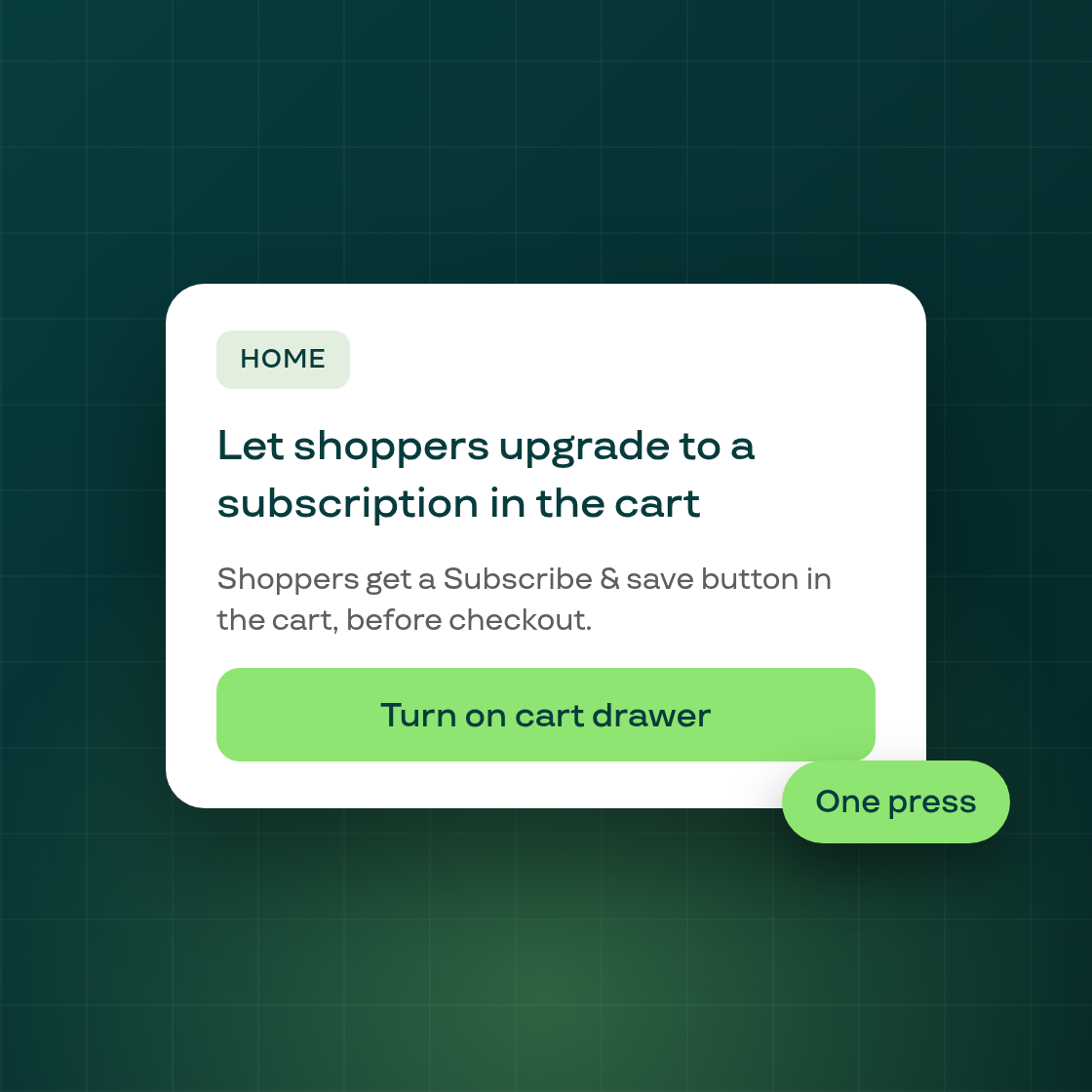
Subi's cart drawer lets shoppers who added a product as a one-time purchase switch it to a subscription before checkout. Until now the switch lived under Growth, so many stores never found it. Eligible stores now see a card on Home and on the classic subscription list that turns it on in one press.
The card is titled "Let shoppers upgrade to a subscription in the cart". It names one of your products and explains that Subi's cart drawer opens in place of your store's own cart, in its default look, with a Subscribe & save button for shoppers who add that product as a one-time purchase.
Press Turn on cart drawer and Subi saves the cart drawer setting and its subscription upgrade together. On a store still on an older widget version, the press goes through the script update step first. A success card then confirms the drawer is on and suggests you open your store and add a product to see it. Configure cart drawer takes you to the full settings.
The card only shows when Subi's eligibility check says your store qualifies, which includes your theme being on the supported list. Stores that don't qualify see nothing, and on Home the card gives way when another offer is due first. It does not appear on the new Polaris 2 subscription list. If you dismiss the card, it stays away for 30 days on that page.
You can still turn the cart drawer on or off from Growth, then Cart drawer, whenever you like.