Place the widget yourself
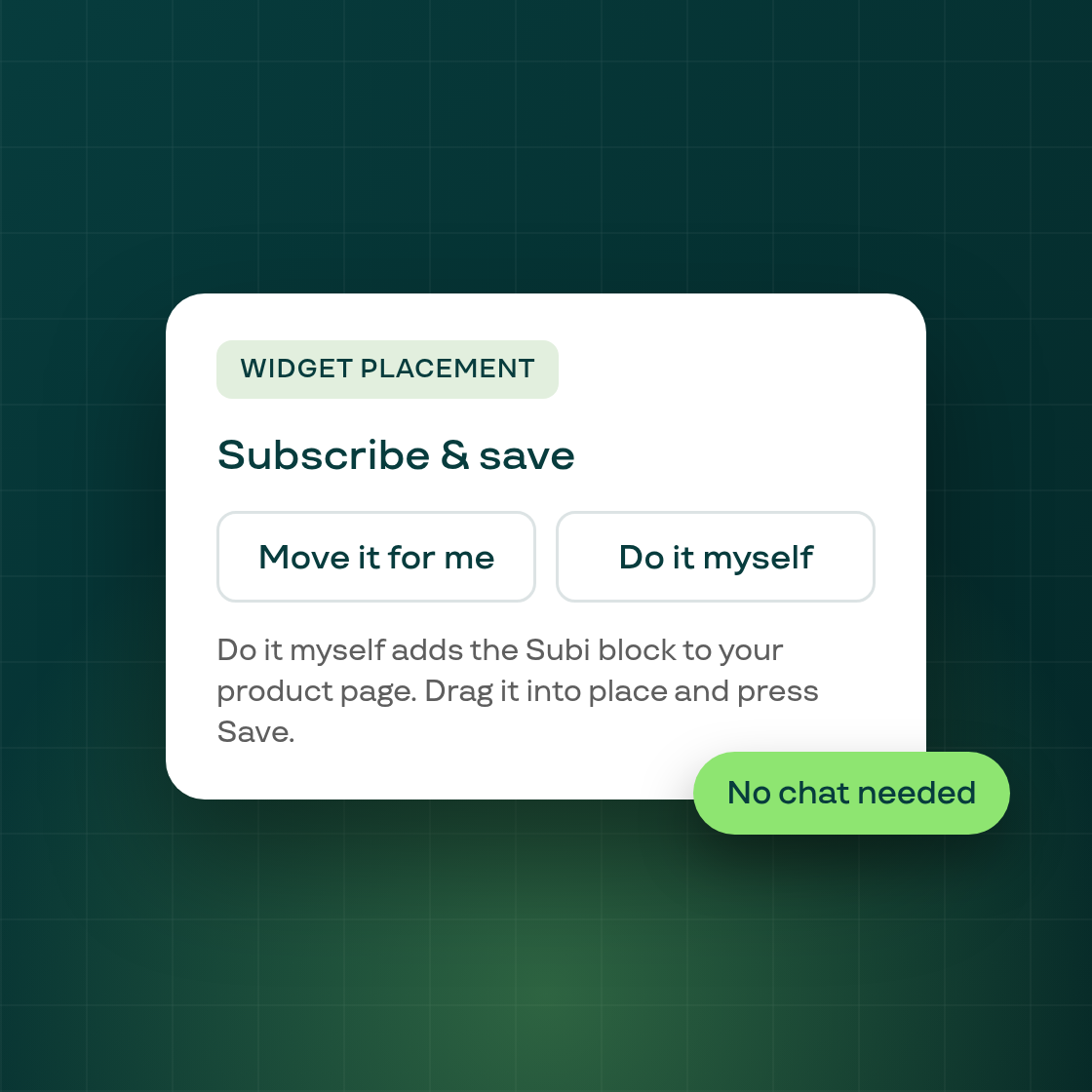
If you want your subscription widget somewhere else on the product page, you no longer need to chat with us. The Widget placement section in the widget editor now offers Do it myself beside Move it for me.
No Subi block in your theme yet. Do it myself opens your theme editor and adds the block for that widget type. A "How to move it yourself" link follows, so you can drag it where you want it.
The block is already placed. Do it myself opens the product template without adding a second block.
The block is hidden by a setting. For Subscribe & Save, Fixed bundle and Fixed bundle item, the Subi block stays hidden in the theme editor while "Home page and other pages" is switched off. In that case the button reads Open settings. It closes the editor and takes you to Display settings, with your unsaved edits saved first. The Open settings link lands above the toggle, so you may need to scroll.
Other widget types. Types the button does not cover, such as Volume discount and Membership sections, keep the earlier Widget placement options.
The new button text is in every panel language, shown in English until its translations are synced.
Follow Subi on LinkedIn for what we ship next.