Best sellers, ready for a plan
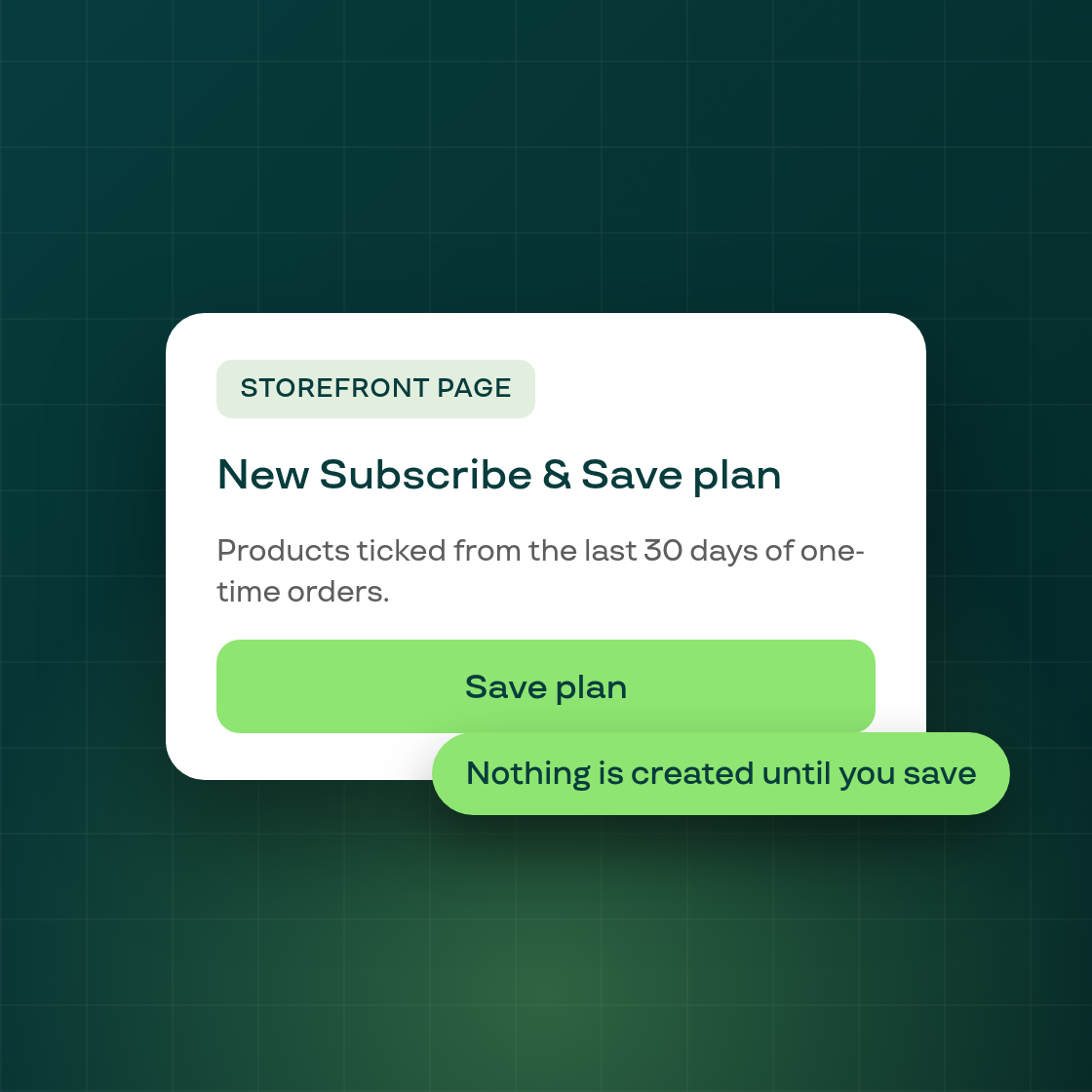
Pressing "Add products to plan" on the Storefront page can now take you to a new plan with your best sellers ready to go. Before, the press landed on the Plans list with nothing selected and no explanation.
When it applies. The new route is used only when the press has no existing plan to offer and you have at least one live Regular plan and all of them are subscription-only (no one-time purchase option). Memberships and other non-Regular plan types are not counted. If a plan could take the products, you still see the earlier pop-up.
Which products are ticked. The new plan opens with your unplanned products that took one-time orders in the last 30 days, ranked with the most orders first, up to 50. Products that are already in a plan are not included, and neither are free products, gift cards, shipping protection, bundles or products you excluded. Cancelled and test orders do not count toward the ranking.
A banner tells you where they came from. The page shows a "Products from your Storefront page" banner above the plan, and you can dismiss it.
Nothing is created until you save. The page is today's Subscribe & Save create page, prefilled. A plan exists only when you press Save, and you can untick or add products first.
Everything else works as before. Presses where the conditions above are not met, and every other way into the Plans list, behave as they did.
Follow Subi on LinkedIn for what we ship next.